NewGearHub Guides
The Muse Gadget Starter Kit: every part you need to build your first DIY Muse device
On October 2, 2026, Meta open-sourced Muse Gadgets — ESP32 firmware plus a Linux SDK that connects Muse to displays, buttons, sensors, and speakers. Meta suggested starter projects like a color e-ink display. This is the complete parts list to build one yourself: thirteen candidate components across four build routes, live prices, one checkout flow. Browse all tracked deals.
DIY voice gadget
Minimum viable Muse gadget, wired from scratch · 7 parts
$76.92
E-ink flagship
The color e-ink build Meta suggested, all-in-one · 5 parts
$146.64
Full ESP32 workbench
Every ESP32 part on this page · 12 parts
$260.57
Linux SDK route
Raspberry Pi 5 PRO kit (PSU, case, SD included) · 1 parts
$259.99
Route totals compute live from current Amazon prices and refresh automatically. The final price is always the one on Amazon's page.
The Brain — ESP32-S3 development board
Meta's open-source Muse Gadgets firmware targets the ESP32 family. An ESP32-S3 dev board with native USB is the natural starting point for a DIY Muse gadget.
Lonely Binary
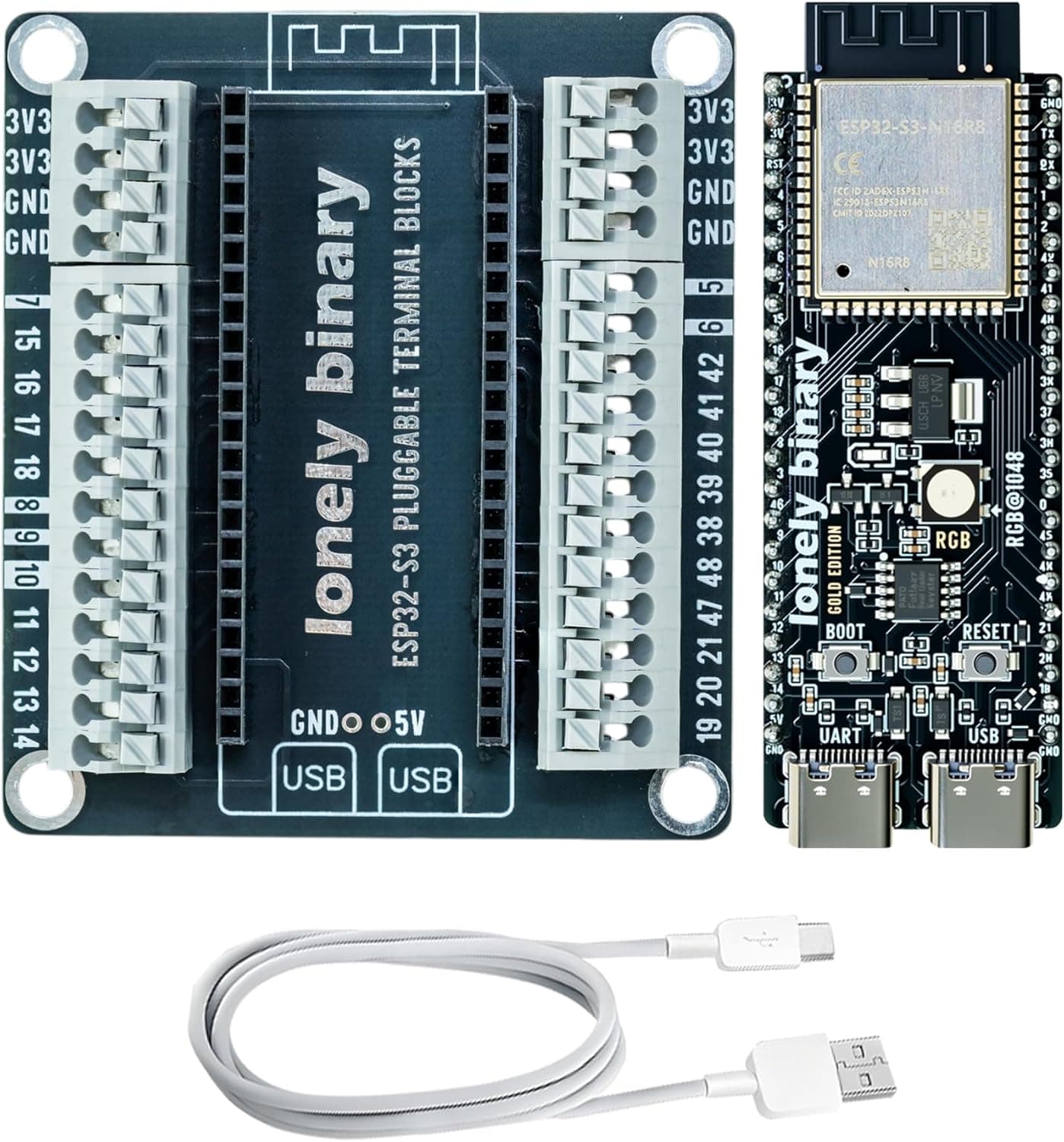
Lonely Binary ESP32-S3 N16R8 Development Board
4.4The board your firmware flashes to: 16MB flash + 8MB PSRAM (the headroom voice/AI workloads want), native USB, and screwless terminals for solder-free wiring. A newer, lightly-reviewed listing — picked for the N16R8 spec.
$19.99
The Display — E-ink and touchscreen options
Meta's announcement specifically suggested a color e-ink display build. E-ink sips power and reads in daylight; a small SPI touchscreen is the livelier alternative for interactive gadgets. Pick one — or prototype with both.
Waveshare
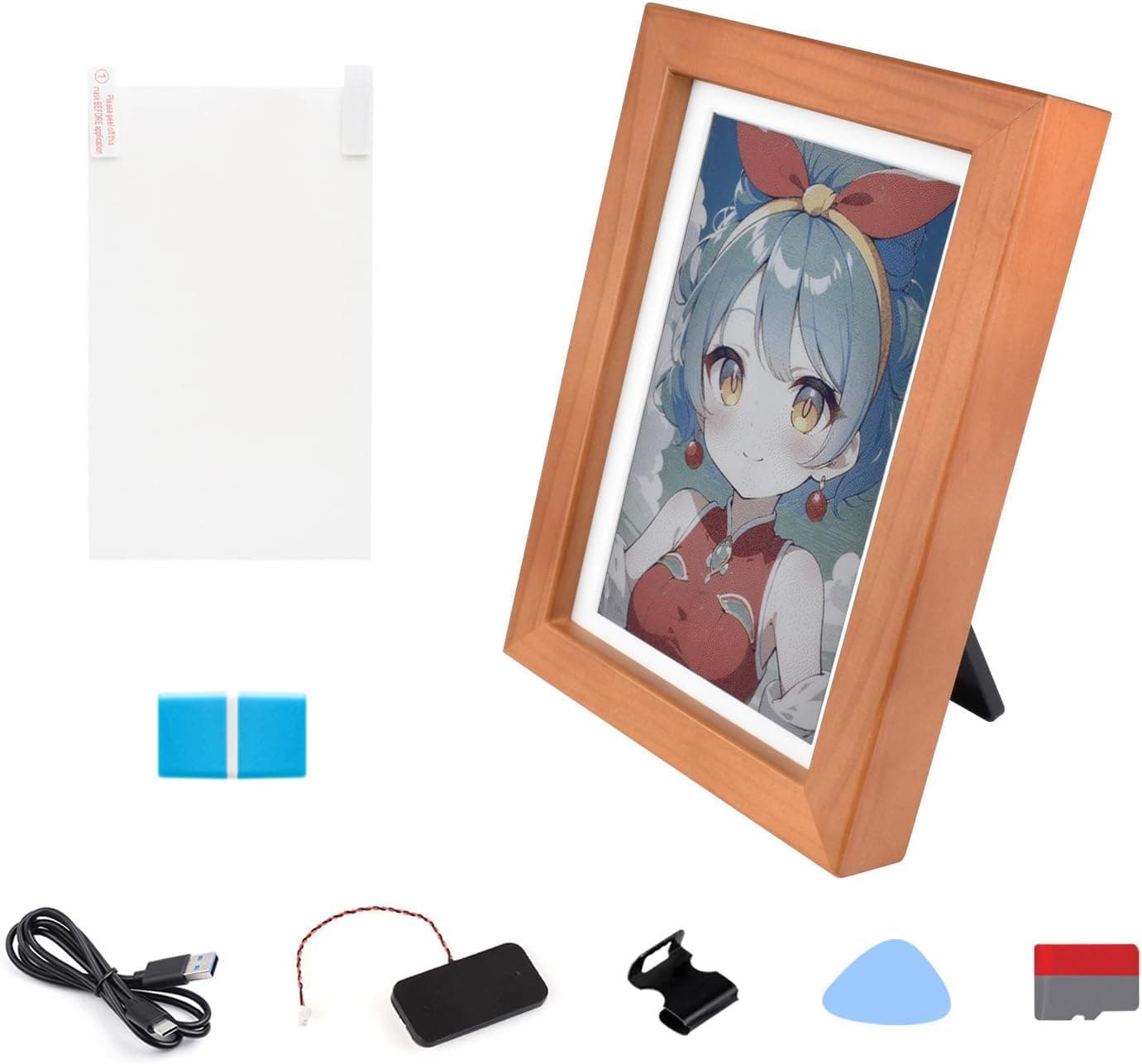
Waveshare ESP32-S3 PhotoPainter 7.3in Full-Color E-Paper Display
3.5All-in-one color e-ink build with ESP32-S3, mic array, and audio on one board — the closest single purchase to the color e-ink project in Meta's announcement. Going this route? You can skip the separate board, mic, and amp below.
$108.99
Hosyond
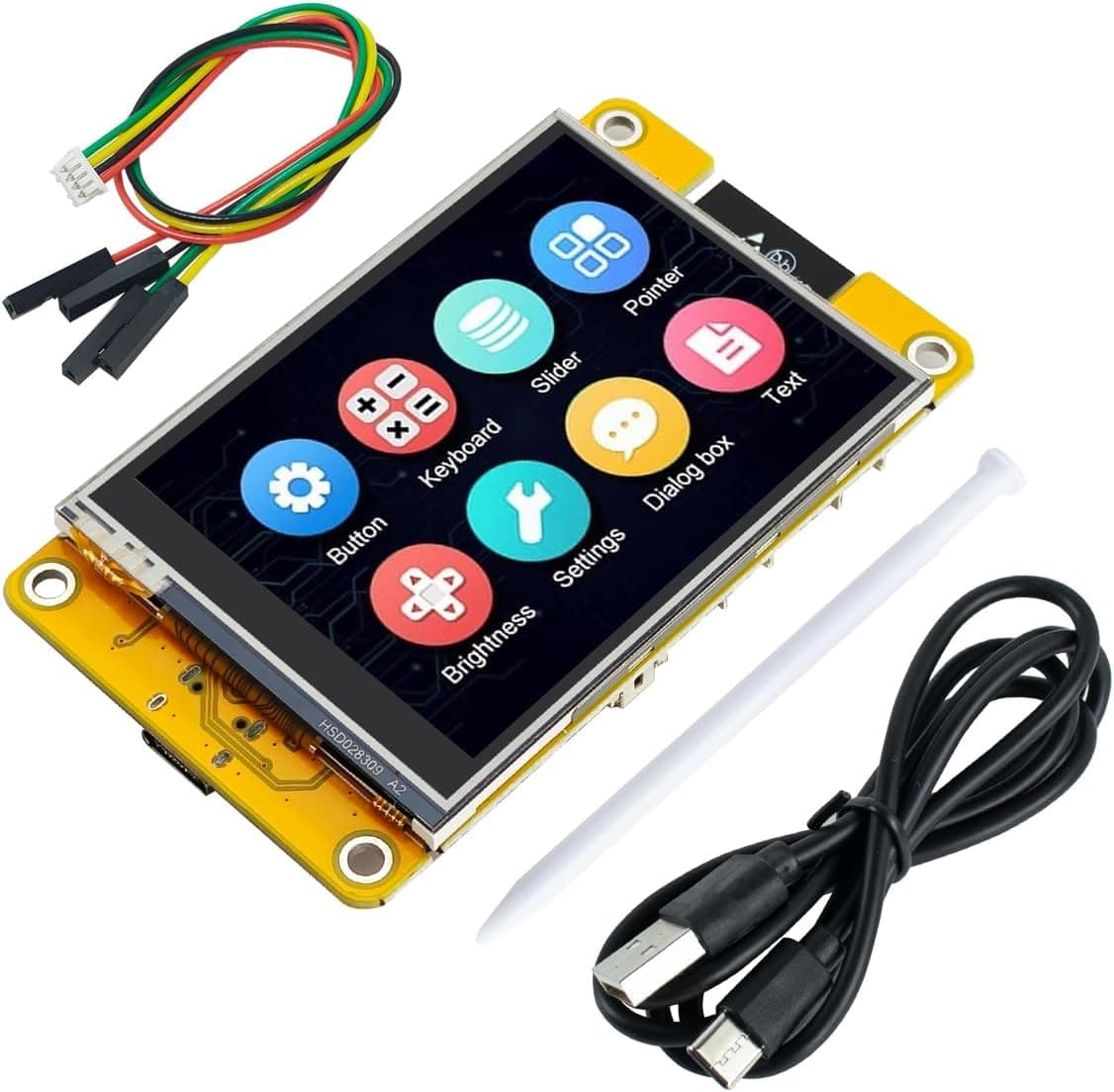
Hosyond 2.8in ESP32 Touchscreen Display (ILI9341, 240x320)
4.0ESP32 with a 2.8-inch resistive touchscreen built in — the livelier alternative to e-ink for interactive gadget UIs.
$15.99
Ears: Voice Input — I2S digital microphone
A Muse gadget needs to hear you. I2S digital mics wire straight to the ESP32-S3's I2S peripheral with no analog noise headaches — the standard choice for DIY voice assistants.
EC Buying
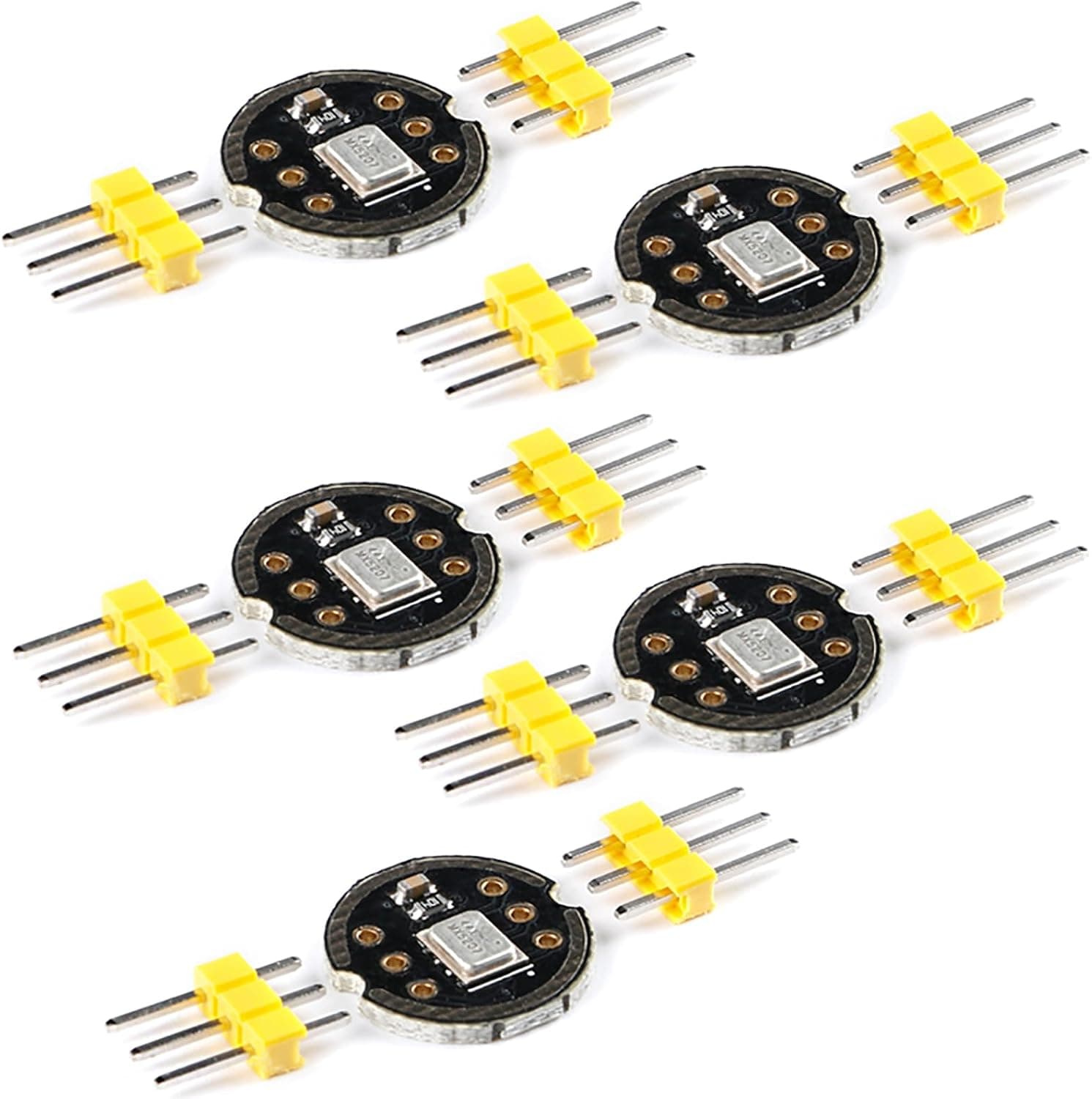
EC Buying INMP441 I2S Microphone Module (5-Pack)
4.5The de-facto voice-input mic for ESP32 builds: digital I2S output wires straight to the ESP32-S3 with no analog noise. Five-pack leaves spares.
$12.99
Voice: Audio Output — I2S amplifier + speaker
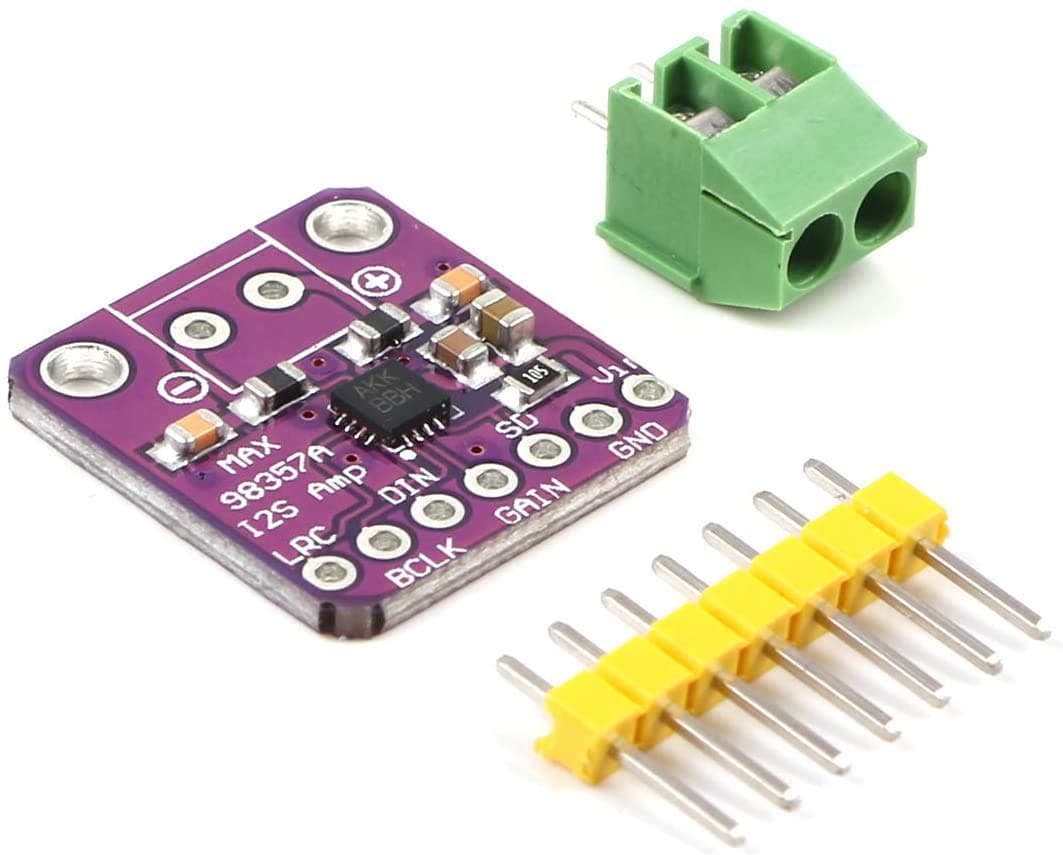
Muse talks back through an I2S DAC/amplifier driving a small speaker. The MAX98357A is the go-to all-in-one I2S amp board for ESP32 audio projects.
MakerHawk
MakerHawk MAX98357A I2S Audio Amplifier Module
4.7The standard no-DAC I2S amp for ESP32 voice output — feed it digital audio from the ESP32-S3 and drive a speaker directly.
$6.99
Gikfun
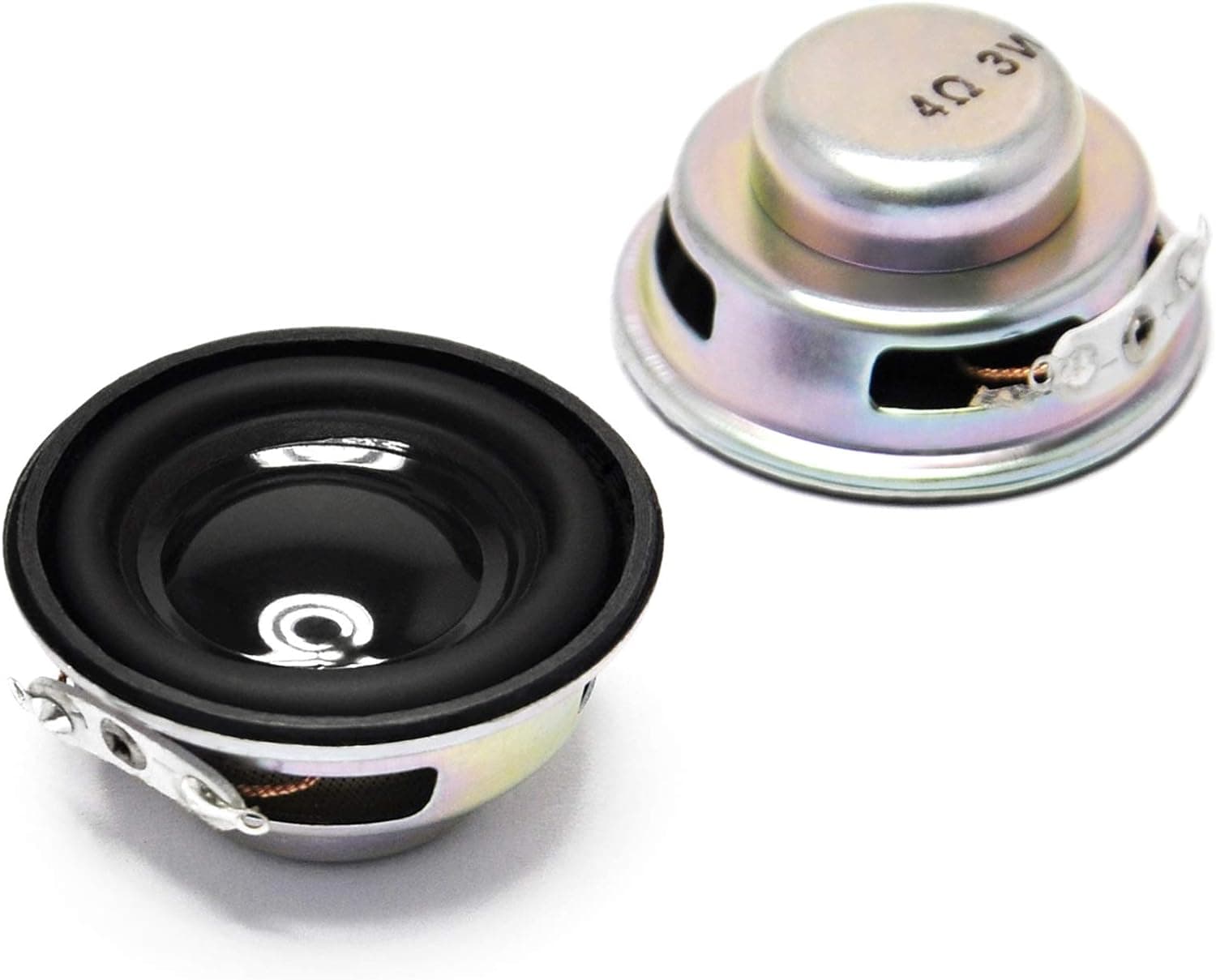
Gikfun 4-Ohm 3W 40mm Mini Speaker (2-Pack)
4.4Small full-range speaker pair for the MAX98357A — this is how a DIY Muse gadget talks back.
$8.99
The Computer Route — Raspberry Pi 5 (Linux SDK)
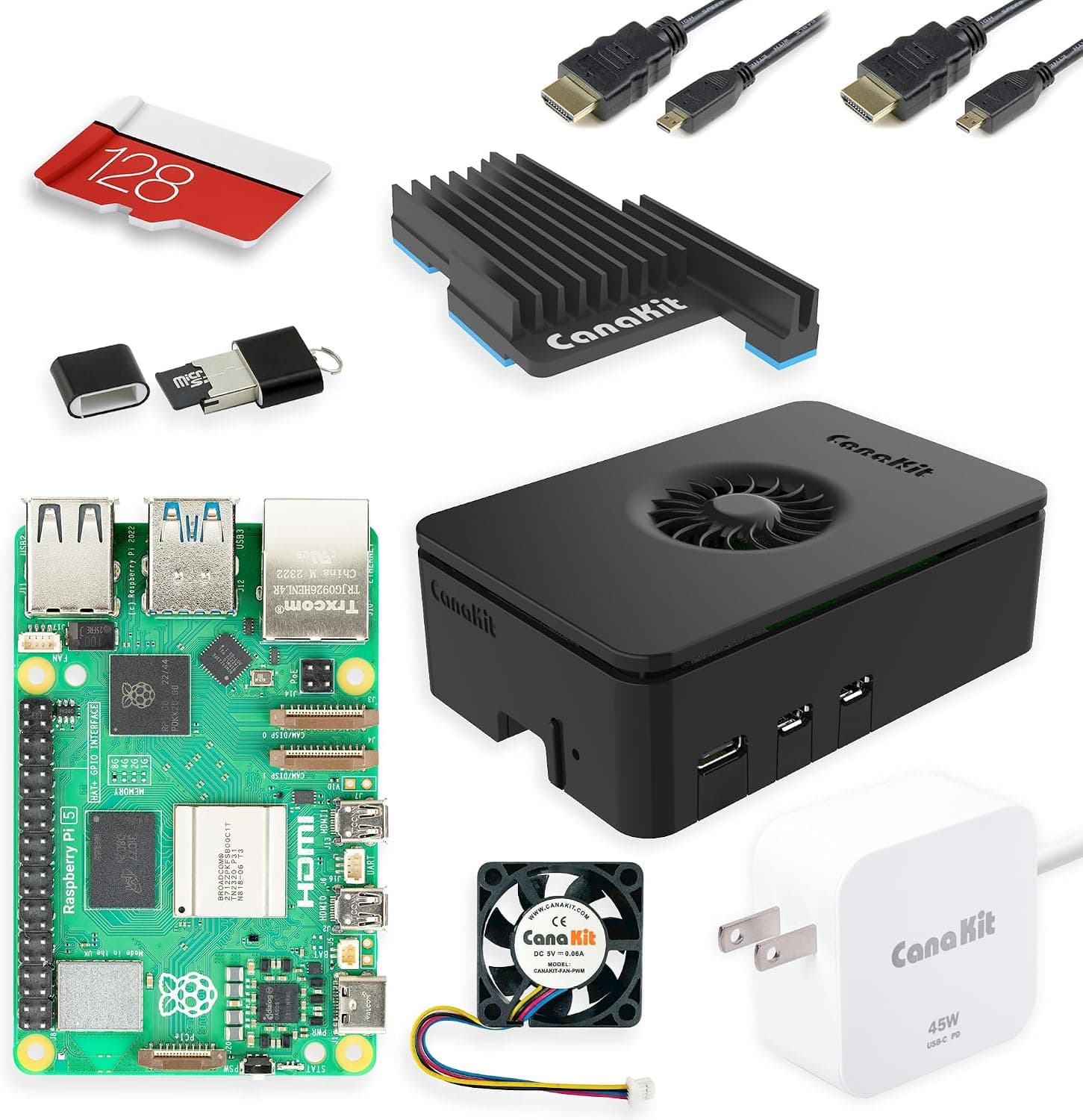
Prefer the Linux SDK over the ESP32 firmware? A Raspberry Pi 5 runs the full Linux stack, handles USB audio, and drives HDMI displays. This PRO kit bundles the board, power supply, case, and a pre-loaded 128GB microSD — no separate power or storage purchase needed.
CanaKit
CanaKit Raspberry Pi 5 Starter Kit PRO (8GB RAM, 128GB)
4.7The Linux SDK route in one box: Pi 5 8GB plus power supply, case, and pre-loaded 128GB microSD. The heavier-duty path for HDMI and USB-audio builds.
$259.99
Power — USB-C supply
Stable 5V power is the difference between a gadget that works and one that brown-outs mid-sentence. One quality USB-C supply covers every ESP32 build on this page.
Anker
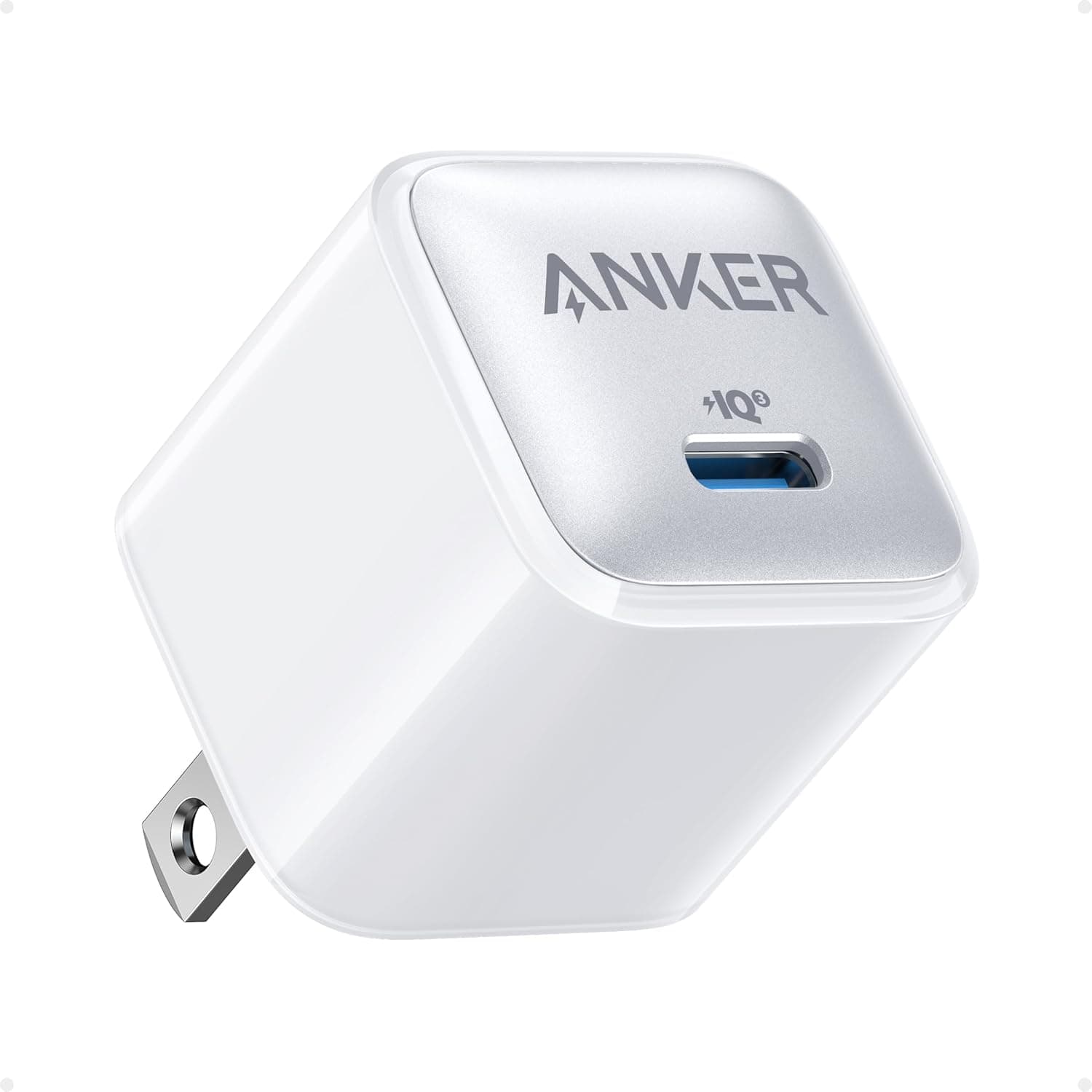
Anker 511 Nano Pro 20W USB-C Charger
4.8Clean, stable 5V/3A USB-C power for ESP32 builds. (The CanaKit Pi kit ships its own supply.)
$11.99
Hands On: Inputs & Sensors — Buttons and sensor kit
Muse Gadgets is about connecting Muse to buttons, sensors, and actuators. Tactile buttons give you physical wake/mute controls; the sensor kit covers motion, temperature, distance, and rotary input for your first automation ideas.
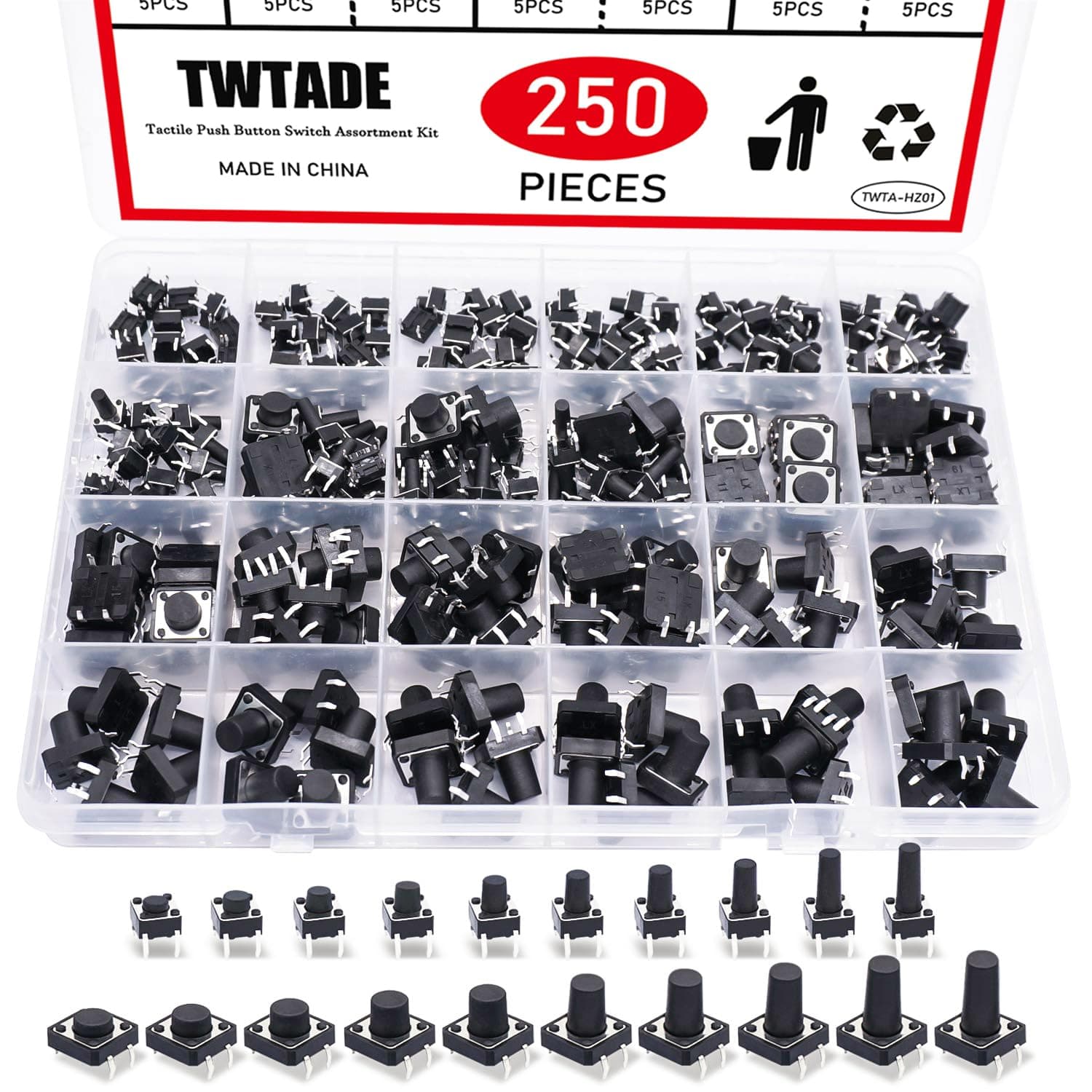
TWTADE
TWTADE 250-Piece Tactile Push Button Assortment
4.7250 tactile buttons in 6 sizes — wake, mute, and mode controls for a physical interface.
$11.99
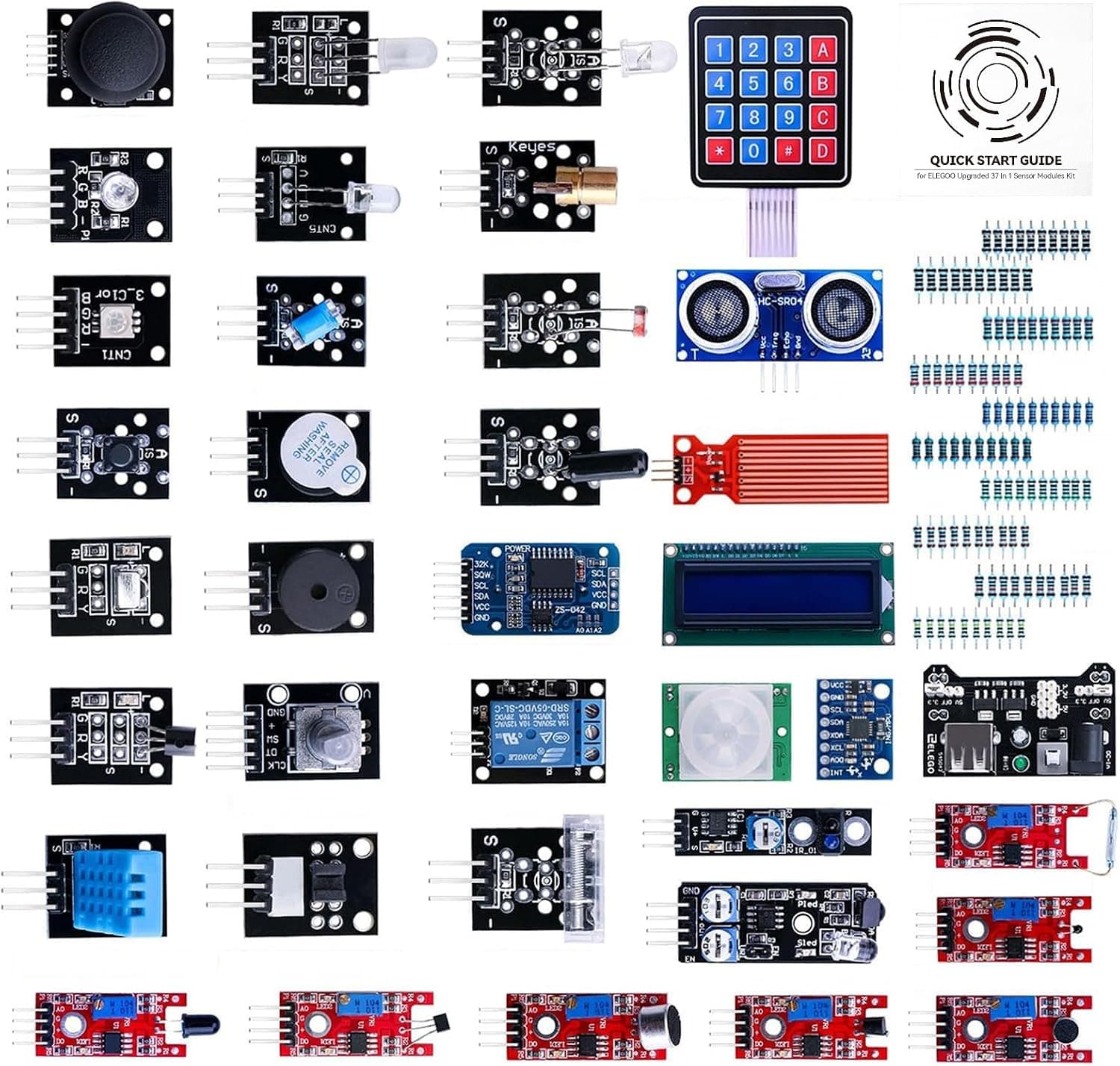
ELEGOO
ELEGOO 37-in-1 Sensor Module Kit
4.7PIR motion, temperature/humidity, ultrasonic distance, rotary encoder and more — the inputs that make a gadget aware of its surroundings.
$36.99
The Workbench — Breadboard + jumper wires
No soldering required to start. A full-size breadboard and jumper wire set is how every prototype on this page gets wired up.
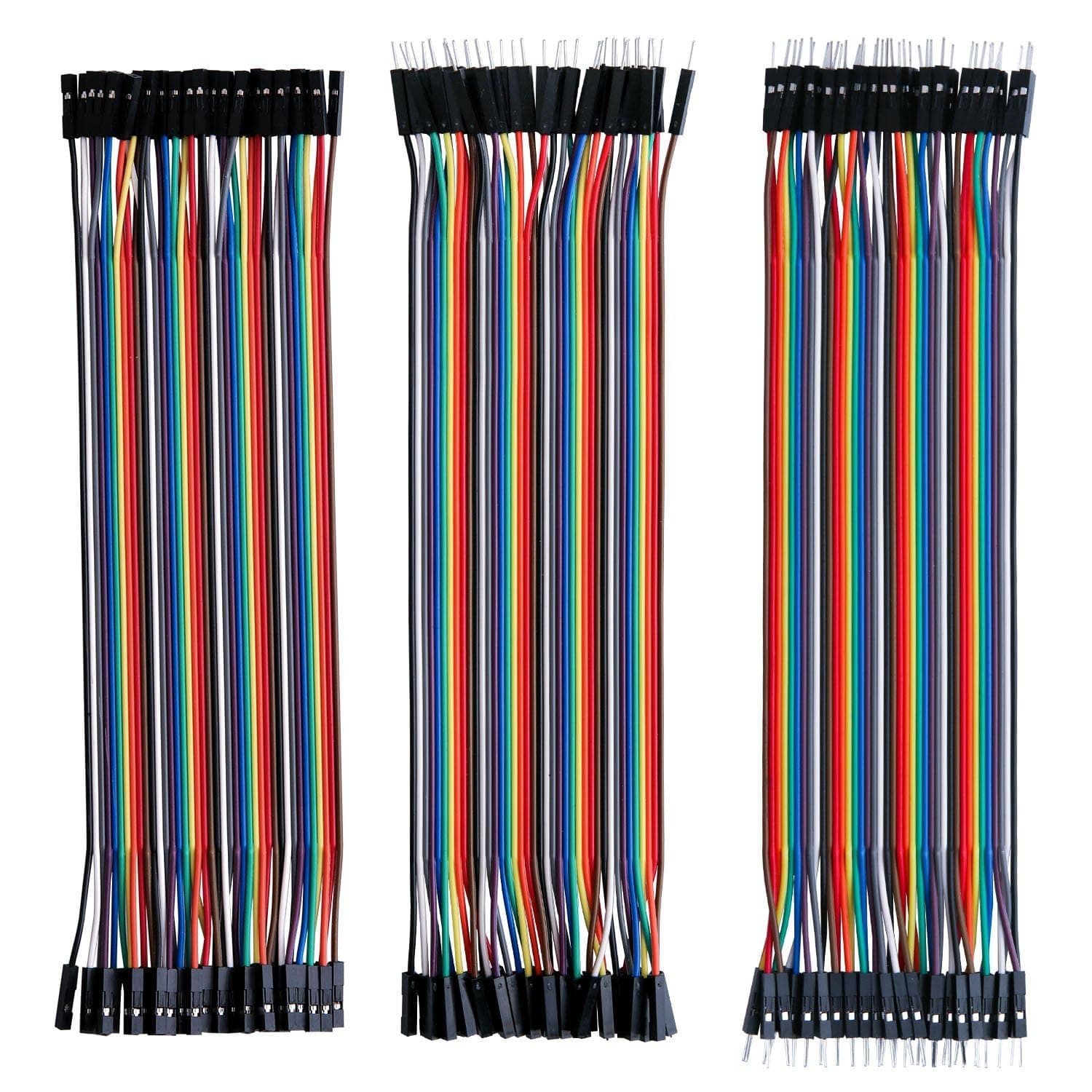
ELEGOO
ELEGOO 120-Piece Dupont Jumper Wire Kit
4.8M-F, M-M, and F-F jumper wires — how every prototype here gets wired, no soldering required.
$6.98
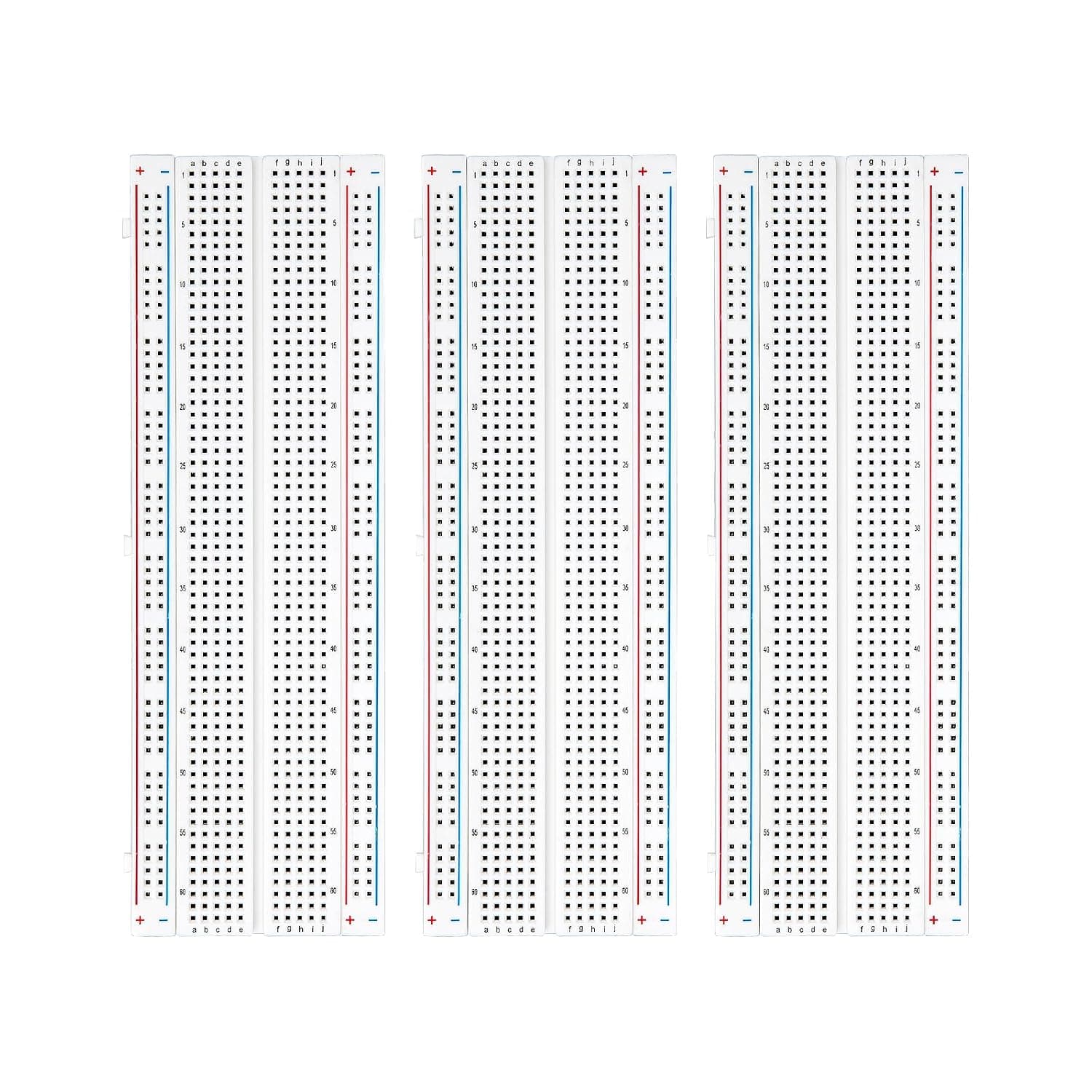
ELEGOO
ELEGOO 830-Point Solderless Breadboard (3-Pack)
4.4Full-size solderless breadboards for prototyping each circuit before it moves into an enclosure.
$8.99
The Shell — Project enclosure
A gadget isn't finished until it leaves the breadboard. A plain ABS enclosure — drilled for your display, mic, and speaker — turns the prototype into something you'd actually keep on a desk.
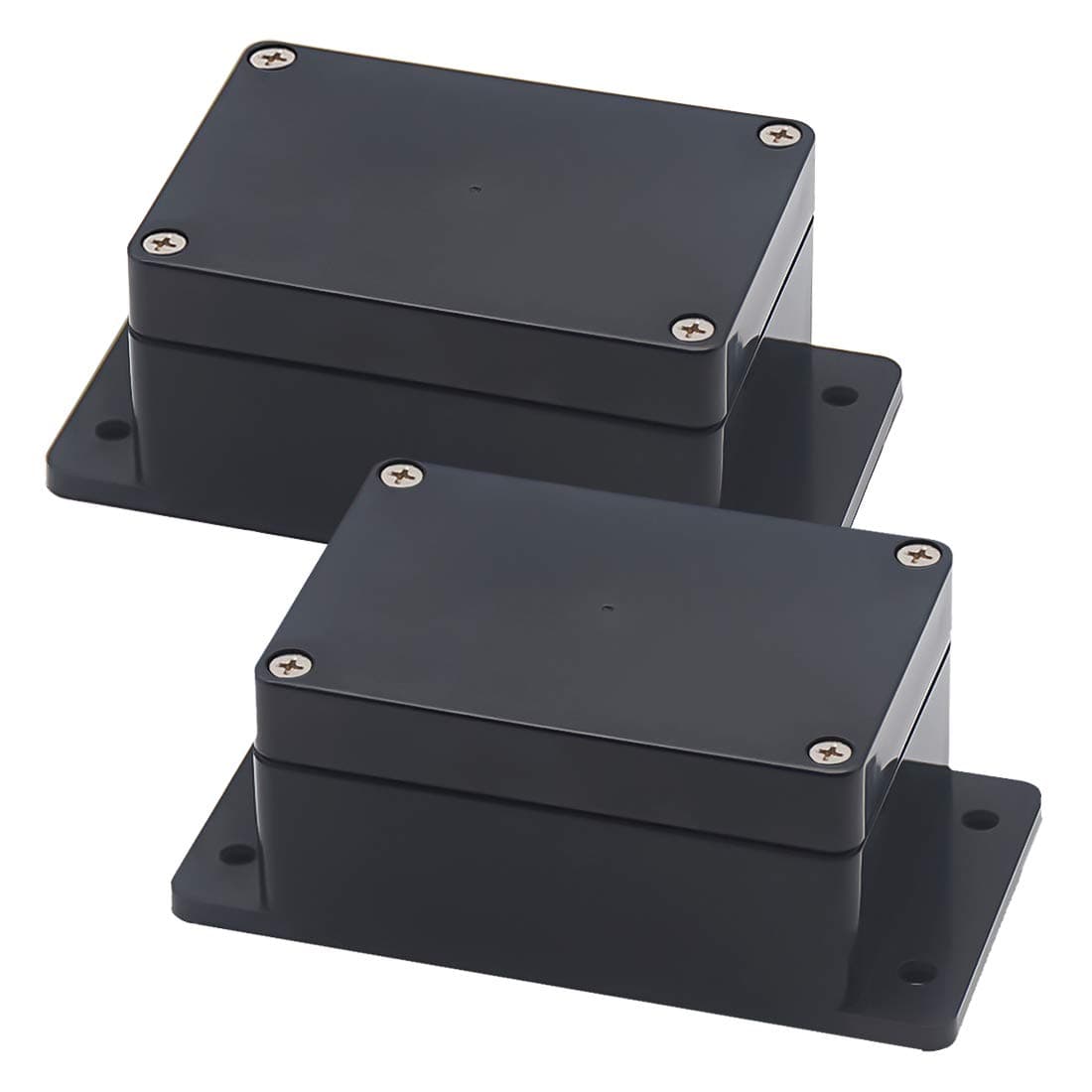
Zulkit
Zulkit IP65 ABS Project Enclosure (2-Pack)
4.6Dustproof ABS boxes sized for an ESP32 board plus speaker — drill for a display and buttons to finish the build.
$9.69
Starter-kit FAQ
Is this an official Meta kit?
No. Meta announced Muse Gadgets — open-source ESP32 firmware plus a Linux SDK — on October 2, 2026, and suggested project ideas like a color e-ink display. This page is NewGearHub's independent parts list: candidate components commonly used for ESP32 voice-assistant builds, assembled so you can buy everything in one place. We haven't tested these parts with Muse's firmware ourselves.
ESP32 route or Raspberry Pi route?
The ESP32-S3 path uses Meta's open-source firmware and is cheaper and lower-power — the classic DIY voice-gadget stack (I2S mic + I2S amp + display). The Raspberry Pi 5 path uses the Linux SDK and handles heavier workloads like HDMI output. You don't need both; pick the route that matches the project you want to build. The shared parts (power, breadboard, enclosure, sensors) work with either.
Do I need to know how to solder?
Not to start. Every part here is breadboard-friendly: the dev board, mic, amp, and sensor modules all come on breakout boards with header pins, and the ESP32 board even has screwless terminals. Soldering only becomes useful later, if you want to make a build permanent.
How much does it cost?
The route totals above are computed live from current Amazon prices. As a rough guide: the minimum viable DIY voice gadget (board, mic, amp, speaker, power, breadboard, wires) runs about $77; the color e-ink flagship route about $147; the full ESP32 workbench about $261; the Raspberry Pi 5 PRO kit about $260 on its own. Prices move — the figures on this page refresh automatically.
Where is Meta's official Muse Gadgets code and documentation?
Meta released the firmware and SDK alongside the announcement. Because the release is days old and details are still settling, check Meta's developer channels for the latest repository and docs links before you buy — the hardware interfaces your build needs (I2S pins, display drivers) are defined there.